
A 56-second LCP: how unoptimized images destroy your score
Mobile PageSpeed scored 73 with a 56-second LCP. The cause was not the code — it was ~20MB of raw images. How we reached 98 with a single image optimization.
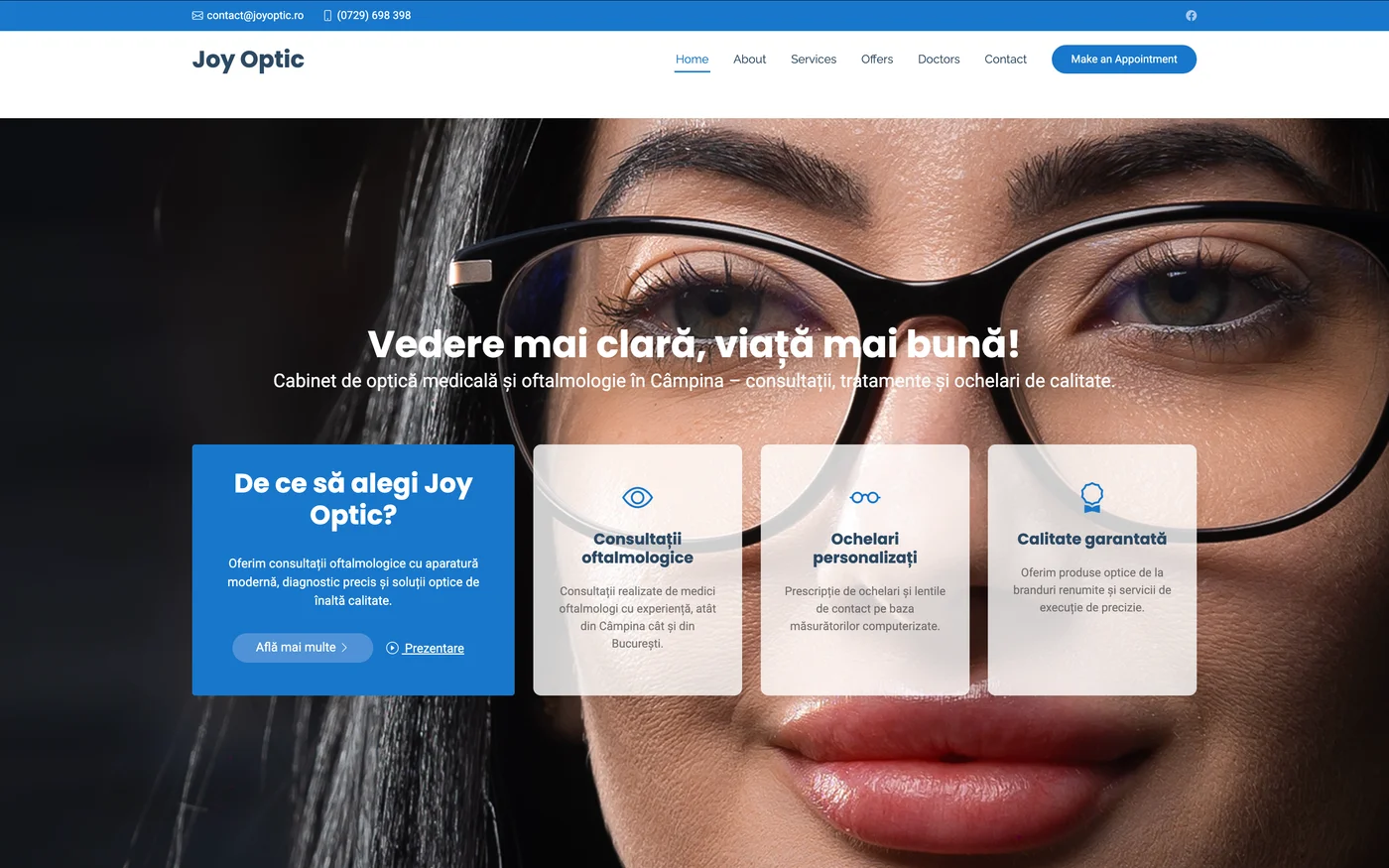
An absurd number is always a clue. Mobile PageSpeed scored 73, with a Largest Contentful Paint of 56 seconds. Nobody waits 56 seconds — so something was clearly broken. Here is what, and how we got to 98.
Diagnosis: not the code, the images
The reflex is to look in JavaScript. The audit showed otherwise: ~20MB of images were downloading on the homepage. Project images were raw PNGs up to 8MB each, served directly (via background-image), with no resizing and no modern format.
On desktop, with a fast network, it was invisible (score ~100). On slow 4G (how PageSpeed tests mobile), bandwidth saturated completely → LCP exploded to tens of seconds. That is why desktop was perfect and mobile catastrophic.
Fix: responsive WebP (8MB → 150KB)
An optimization script generates responsive WebP versions (mobile / tablet / desktop) for each image:
| Before (raw PNG) | After (WebP) | |
|---|---|---|
| joy-optic | 8.1 MB | 150 KB desktop / 37 KB mobile |
| Homepage total | ~20 MB | ~0.5 MB |
50-220× smaller. Components serve the size that fits the context. Notably: the optimized versions already existed — they just were not used on a few pages.
Result (mobile PageSpeed)
73 → 90+ (up to 98), and the LCP spike vanished entirely. Desktop 100. One cause, one fix.
The lessons
- Images are the most common performance killer — more often than JavaScript.
- WebP/AVIF + responsive sizes = mandatory. Never raw multi-megabyte PNGs.
- An absurd LCP (tens of seconds) = almost always one huge resource saturating mobile bandwidth.
- Lab is noisy — the score swung 88 → 98 between runs; take the median.
We check this in SEO / AI-SEO audit & fix — real audit, fixes straight in code. See also the Continuous SEO retainer.